How to get the game on your phone without giving someone else your money
Since April 2020, you cannot use a credit card to fund a casino account in the United Kingdom. That rule changes how operators package their apps: they no longer bundle payment processors that bypass card-network blocks, so most UKGC-licensed sites serve the game through a web app or ask you to save a browser shortcut rather than publish a standalone download.
This page walks through every install path—Google Play, App Store, progressive web app, and APK sideload—with the steps, phone requirements, and the specific risks that appear when you leave the official route. The goal is to get Fishin Frenzy running on your device without handing login credentials to a clone site or installing malware that harvests your banking app in the background.
What you are actually downloading
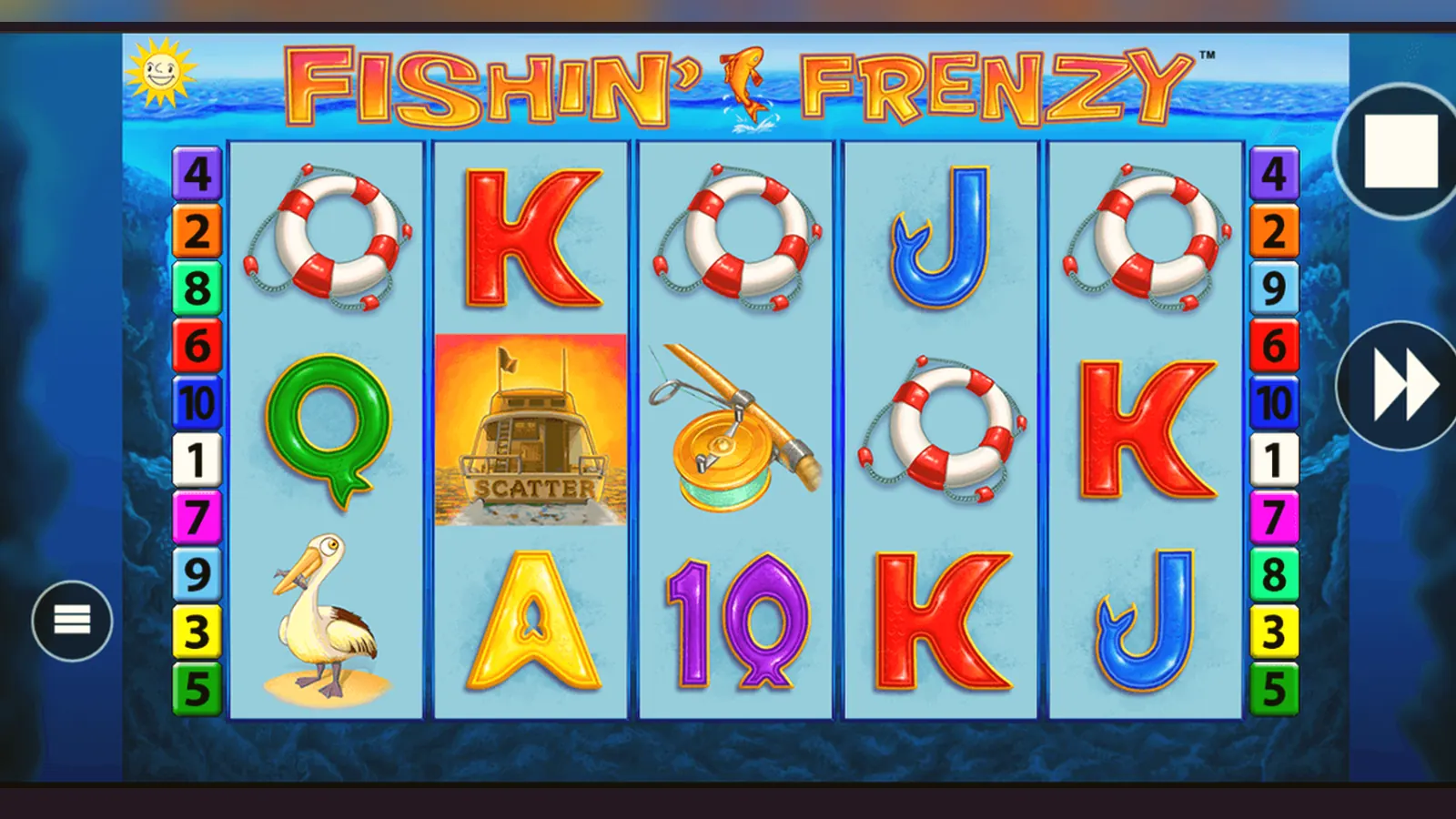
Fishin Frenzy is a Blueprint Gaming slot distributed through casino operators, not a standalone app with its own store listing. When you search «Fishin Frenzy» on Google Play or the App Store, results show casino apps that host the game alongside hundreds of other titles. The game itself runs as an HTML5 canvas inside the operator's container app or in your mobile browser.
A typical casino app for a UKGC-licensed site includes account registration, deposit and withdrawal screens, safer-gambling tools (session timers, deposit limits, reality checks), live chat, and the game lobby. The actual slot—reels, paytable, spin logic—streams from Blueprint's servers. Your phone renders the graphics and registers touch input; the RNG and game state live remotely.
Four ways to install, ranked by risk
The safest path depends on whether the operator publishes a native app or relies on a progressive web app. Here are the routes in order of increasing risk.
- Browser play with no install: Open the operator site in Chrome, Safari, or Firefox, log in, tap the game tile. No download, no permissions, no storage footprint beyond cached assets. Risk: session cookies can leak if you use public Wi-Fi without a VPN, but there is no persistent app to compromise.
- Add to Home Screen (progressive web app): Visit the operator site, tap the browser menu, select «Add to Home Screen». The site installs as a standalone icon that launches in full-screen mode. Permissions are limited to notifications and location if you grant them. Risk: minimal—the app cannot access contacts, camera, or storage beyond standard browser sandboxing. This is the default for many UKGC operators.
- Official app from Google Play or App Store: Search the operator name, verify the developer matches the one listed on the casino's About page, check reviews for mentions of withdrawal delays or account locks. Install through the store. Risk: low if the operator is licensed and the store listing is genuine. The app will request permissions for notifications, camera (for document upload during KYC), and sometimes location. Deny location unless required by the operator's geofencing system.
- APK sideload from a third-party site: Download an .apk file from a forum, file-sharing service, or mirror site, enable «Install unknown apps» in Android settings, run the installer. Risk: high. APK files bypass Google's malware scanning. A modified APK can log keystrokes, intercept SMS two-factor codes, or redirect deposits to a different account. Even if the file is clean, you will not receive updates, leaving known vulnerabilities unpatched.
Step-by-step: progressive web app install
Most UKGC operators serve Fishin Frenzy through a progressive web app because it requires no store approval and updates instantly when Blueprint pushes a new game version. The install takes under a minute.
- Open the operator's website in your mobile browser. Use the address from the UKGC register footer, not a result from a search ad.
- Log in or create an account. The site will verify your age using credit-reference data before letting you deposit.
- Tap the browser menu (three dots on Chrome, share icon on Safari).
- Select «Add to Home Screen» (Android) or «Add to Home Screen» under the share menu (iOS).
- Name the shortcut and confirm. The icon appears on your home screen.
- Launch the icon. The game lobby opens in full-screen mode without browser chrome.
The web app uses your phone's cached storage for graphics and session data. If you clear your browser cache, the app remains installed, but you will need to log in again and re-download assets on the next launch.
Step-by-step: operator app from Google Play
- Open Google Play, search the operator's registered business name (visible in the UKGC register entry).
- Check the developer name in the listing. It should match the operator or a known parent company. If the name is generic («Casino Apps Ltd») or misspelled, stop.
- Read recent reviews. Look for mentions of withdrawal processing times, document requests, or account restrictions. A pattern of «account locked after winning» is a red flag.
- Verify the operator's UKGC licence number in the listing description or on the operator's site footer, then cross-check it in the UKGC public register.
- Tap Install. The app will request notification permission immediately and camera permission during your first KYC document upload.
- Launch the app, register or log in, complete age verification.
- Navigate to the slots lobby, search «Fishin Frenzy», tap the tile to load the game.
The app will auto-update through the Play Store unless you disable that setting. Updates usually add new games, patch security issues, or adjust safer-gambling controls to meet new UKGC requirements.
What your phone needs to run it
Fishin Frenzy runs on any device that supports HTML5 canvas and WebGL. Minimum specs:
- Android 7.0 (Nougat) or later with Chrome 90+, or the operator's app from Play Store
- iOS 12.4 or later with Safari 13+, or the operator's app from the App Store
- At least 2 GB of RAM; 3 GB recommended if you keep other apps open in the background
- 50–120 MB of free storage for the progressive web app or native app; cached game assets take another 20–40 MB
- Stable 4G or Wi-Fi connection; 3G will load the game but spins may time out during network hiccups
The game does not use your GPS, contacts, or photo library. If an app requests those permissions and you are only playing slots, deny them. Camera access is legitimate for document uploads during KYC, but it should only activate when you tap a «Verify identity» button, not on launch.
Latest version: what changed and why
Blueprint pushes updates to Fishin Frenzy every few months, usually to fix edge-case bugs or adjust the UI for new screen sizes. Version 3.14.2, released in October 2026, made these changes:
- Fixed a rendering glitch on Android foldable devices where the paytable would overlap the bet controls when the phone was half-folded.
- Improved session-reconnect logic: if your connection drops mid-spin, the game now resumes at the same reel position when you reload, rather than starting a fresh spin and potentially charging you twice.
- Updated the reality-check modal to meet the new UKGC requirement for net-loss display: the pop-up now shows your total deposits minus withdrawals for the session, not just time elapsed.
- Added support for Welsh-language paytables on operators serving Wales, though the core game audio remains English.
If you installed the game through a progressive web app or native app from an official store, you already have this version. APK sideloads do not auto-update, so you would need to find and install a new APK file manually—one more reason to avoid that path.
How to spot a fake and which permissions expose you
Clone apps exist because Fishin Frenzy is popular and the real game is tied to licensed operators with strict KYC requirements. A fake app can harvest credentials, redirect deposits, or simply show rigged reels that never pay. Red flags:
- The developer name in the store listing is not the operator's registered business name. If you cannot find the developer in the UKGC register, do not install.
- The app requests SMS permissions, call logs, or phone-state access before you have even registered. These permissions let the app intercept two-factor codes or track your activity across other banking apps.
- The install size is under 10 MB. A legitimate casino app includes account management, payment integrations, and safer-gambling tools, so it will not be smaller than a basic utility app.
- Reviews mention being unable to withdraw, or the same few five-star reviews appear in clusters with generic usernames.
- The app asks for payment details before showing the UKGC licence number or terms and conditions.
- You are offered an APK download link via Telegram, WhatsApp, or a forum post. There is no legitimate reason for a UKGC operator to distribute an APK outside the Play Store.
The operator's app does more than host the game
When you install a casino app from a UKGC-licensed operator, the app wraps Fishin Frenzy in a layer of account tools required by British regulations:
- Deposit limits: you set daily, weekly, or monthly caps before your first deposit. Changes to limits take 24 hours to come into force if you are increasing them, but apply immediately if you are lowering them.
- Session timers and reality checks: a modal pops up every hour (or at your chosen interval) to show time and net loss. You can dismiss it or log out.
- Loss limits: some operators let you set a maximum net loss per day or week. Once you hit that figure, the app blocks further deposits until the period resets.
- GAMSTOP integration: if you self-exclude through GAMSTOP, the app will lock your account and refuse new registrations at every UKGC site for the duration you chose (six months, one year, or five years).
- Affordability checks: from £150 net deposits in a calendar month, the operator may request payslips, bank statements, or tax returns. This is not optional; it is a UKGC requirement to prevent harm. If you refuse, the operator will restrict your account.
None of this appears if you download an unlicensed APK. The fake app will let you deposit without limits, which sounds convenient until you realise there is no regulator to contact when the site refuses to pay out.
FAQ
Can I play Fishin Frenzy for free in the app without depositing?
Most UKGC operators offer demo mode, but you will need to log in and verify your age before accessing it. The app does not allow anonymous free play because the Gambling Act requires age checks before any gambling content is shown, even in demo. Once you are logged in, look for a «Play for fun» or «Demo» toggle on the game tile.
Why does the app ask for camera and location permissions?
Camera access is for uploading identity documents during KYC—usually a passport or driving licence photo. Location permission is less common but may be requested if the operator uses geofencing to confirm you are in the UK when you play. Both are legitimate if requested at the appropriate moment (during verification, not on first launch). Deny any other permissions like contacts, call logs, or SMS.
Is it legal to download an APK file for Fishin Frenzy from a third-party site?
It is not illegal for you to download an APK, but it is illegal for an unlicensed operator to market gambling services to British players. If the APK connects to a site without a UKGC licence, that site is breaking the law, and you have no consumer protection. Beyond legality, APK files can be modified to include malware, and you will not receive updates, so known security holes stay open.
What happens if I register through the app and later want to close my account?
You can request account closure through the app's settings menu or by contacting live chat. The operator must close it within a reasonable timeframe. If you want to block yourself from reopening the account or registering at other UKGC sites, use GAMSTOP instead. A single registration there locks every licensed operator for the period you choose, and it is free.